Copy GA4 requests to another property
Keep your current GA4 setup untouched and send a copy of every hit to a second property.
Beginner 2 min GA4
What you need
- The GA4 stream ID (Measurement ID, like G-XXXXXXXXXX) of the property that should receive the copy
- 1
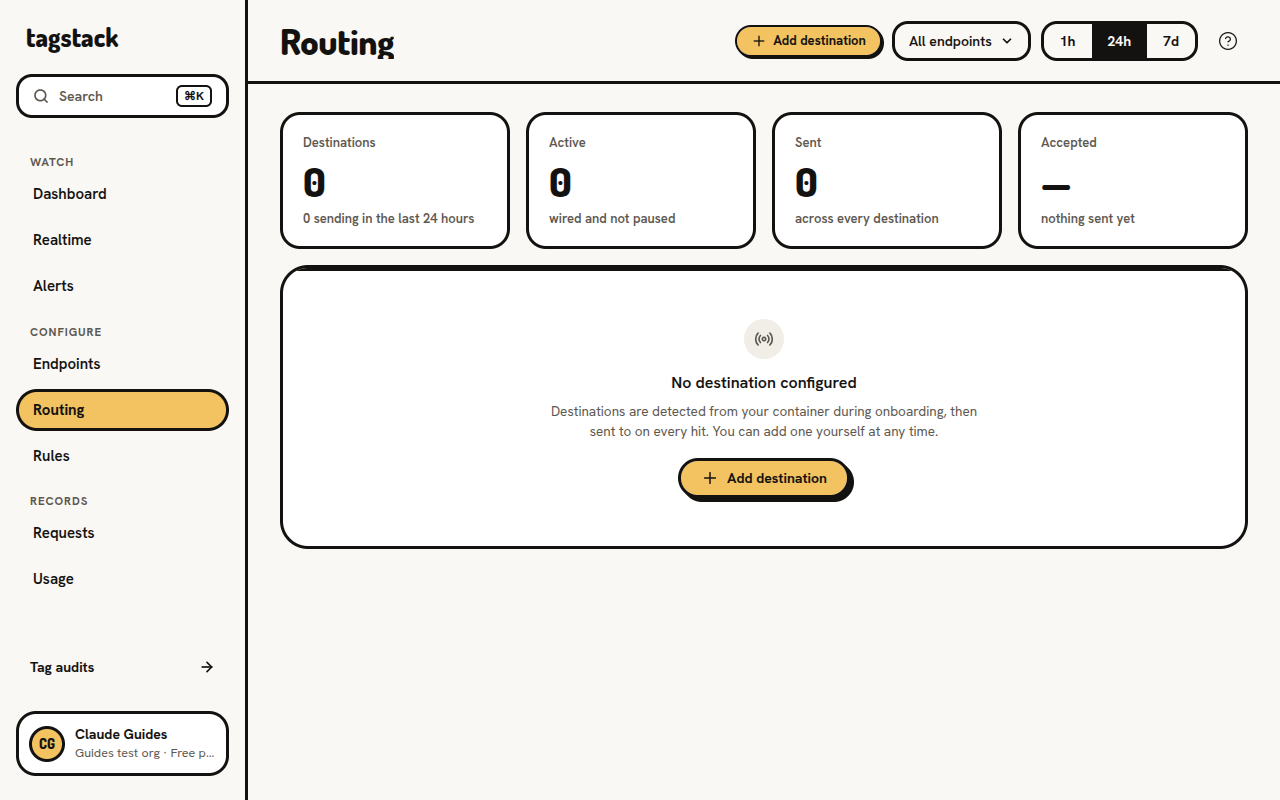
Go to destinations and click on Add destination
Open Routing in the console and click Add destination.
- 2
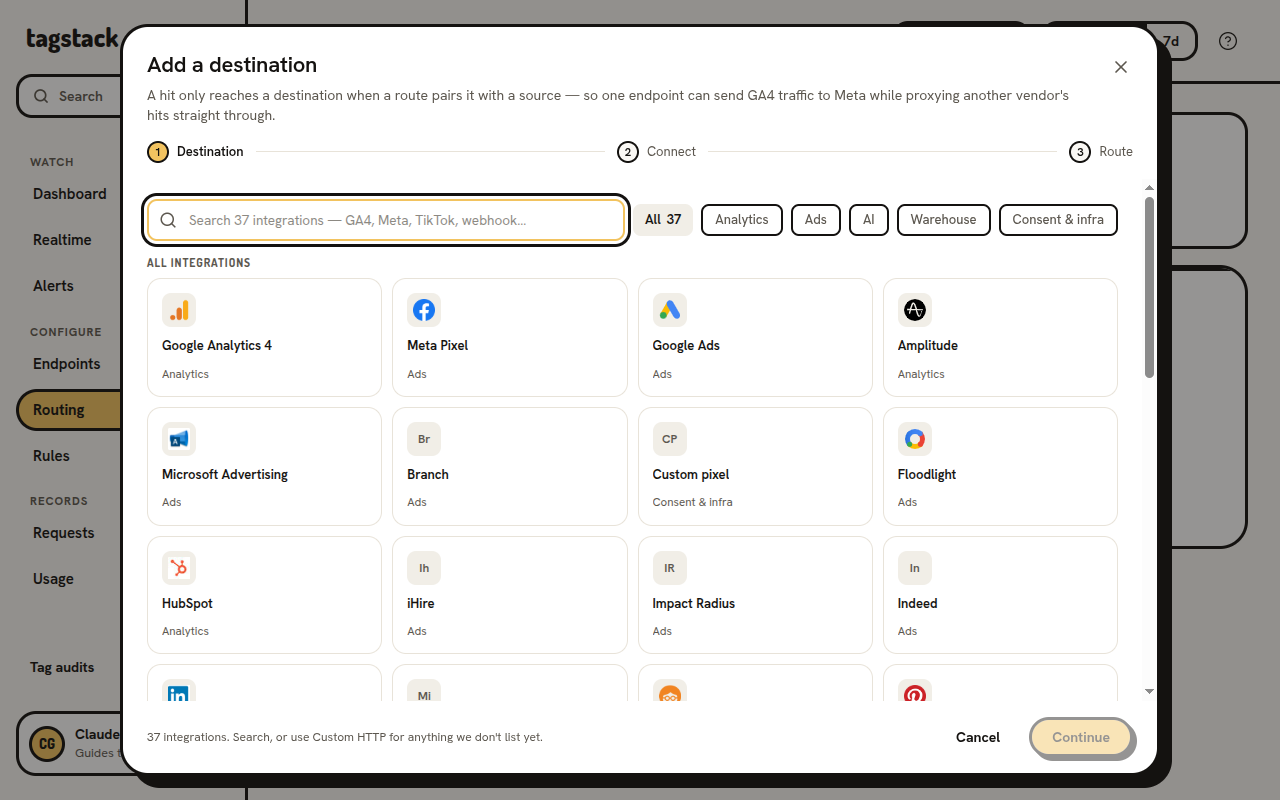
Choose GA4
The catalogue opens. Pick Google Analytics 4, then continue.
- 3
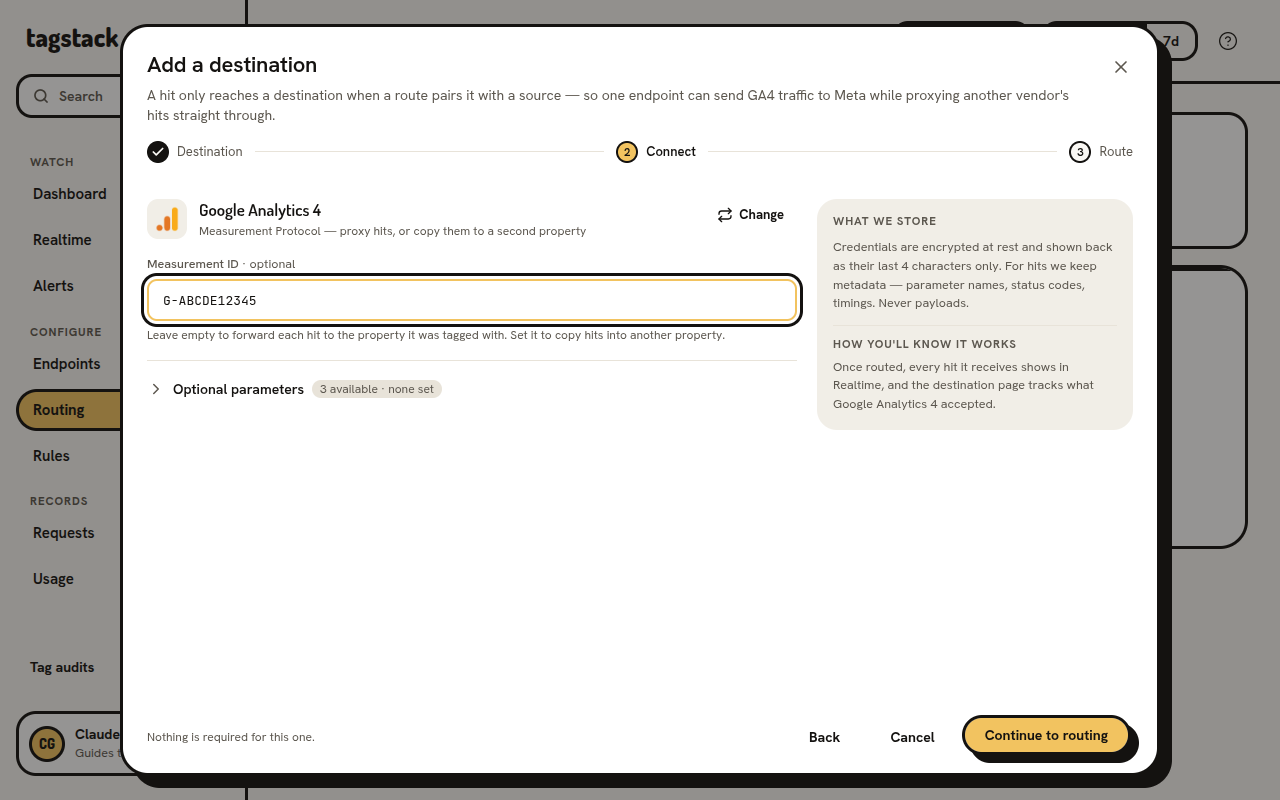
Paste your stream ID
Paste the Measurement ID of the property that should receive the copy, then continue to routing.
Your hits keep coming from your original gtag. They are copied and forwarded as is to this GA4 property, so nothing changes in your current setup.
- 4
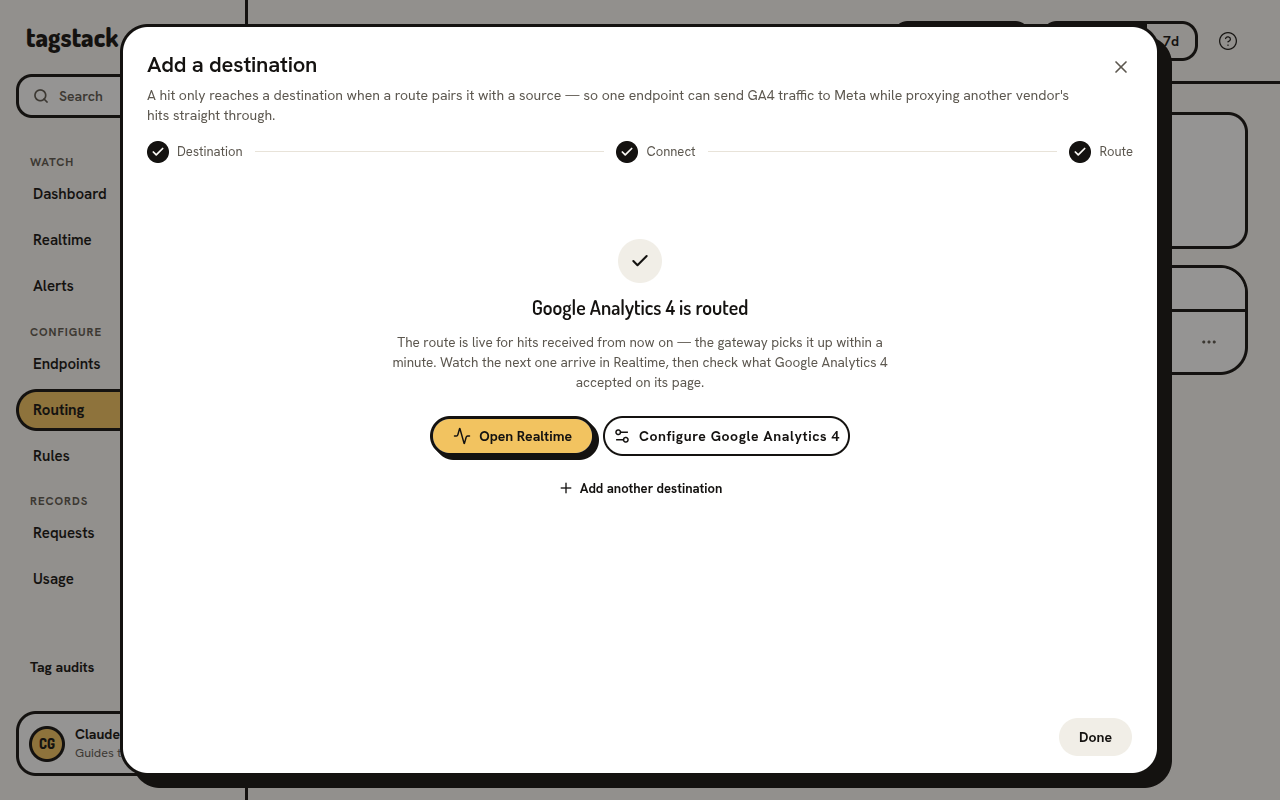
Save it
Check the route preview and click Add destination. The route is live for the next hit. Watch it arrive in Realtime.