Send GA4 events to Meta Conversions API
Reuse the GA4 hits you already collect to feed Meta server-side. No new tags, no Meta pixel changes.
- Your Meta Pixel ID (also called Dataset ID), from Events Manager
- A Conversions API access token, generated in Events Manager under Settings
- 1
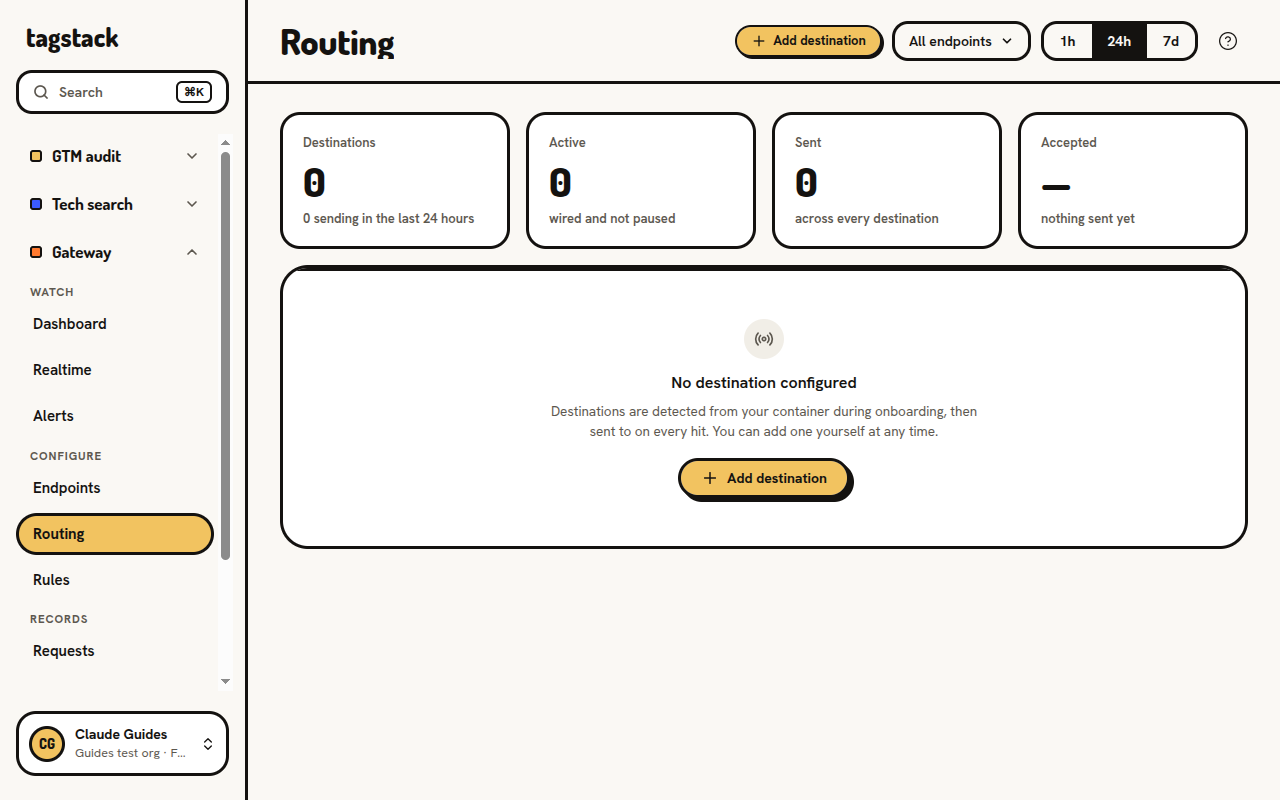
Go to destinations and click on Add destination
Open Routing in the console and click Add destination. Your GA4 tag must already send its hits through your Tagstack endpoint.
- 2
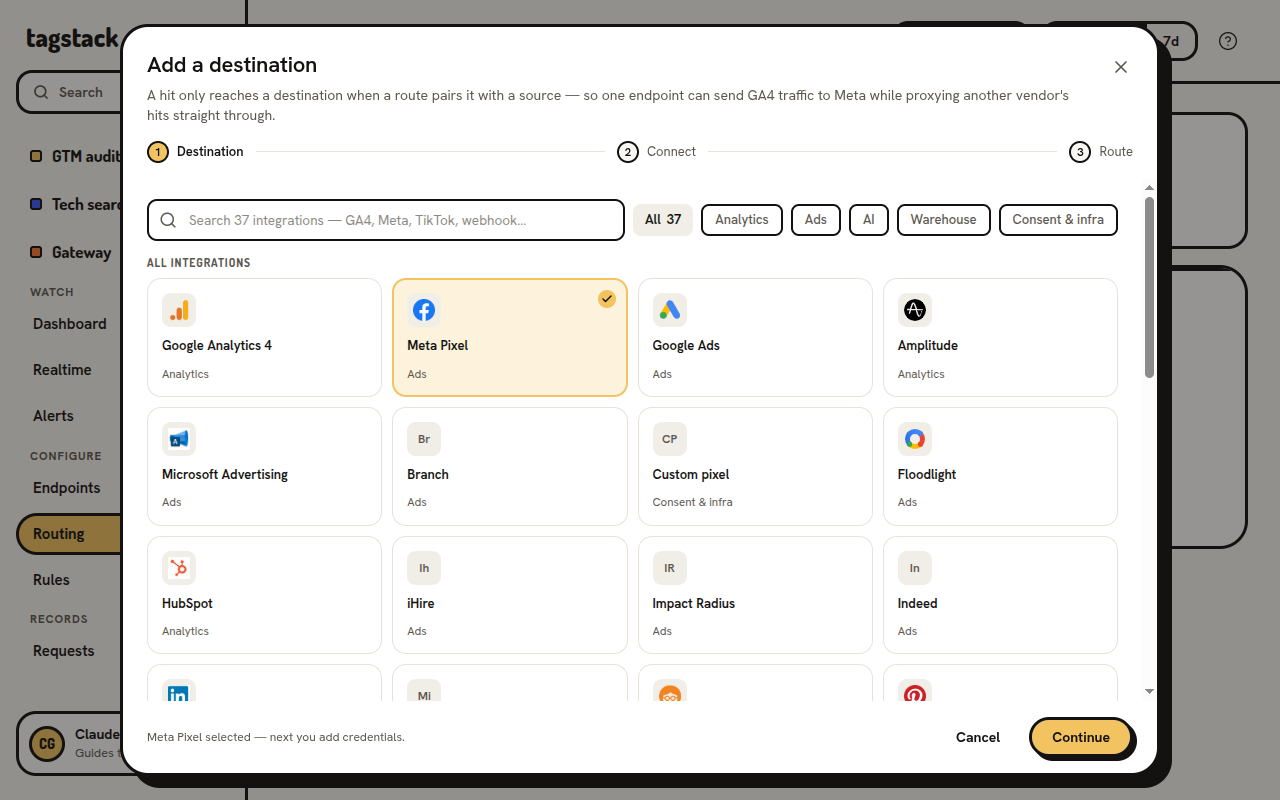
Choose Meta
The catalogue opens. Pick Meta Pixel (it sends through the Conversions API), then continue.
- 3
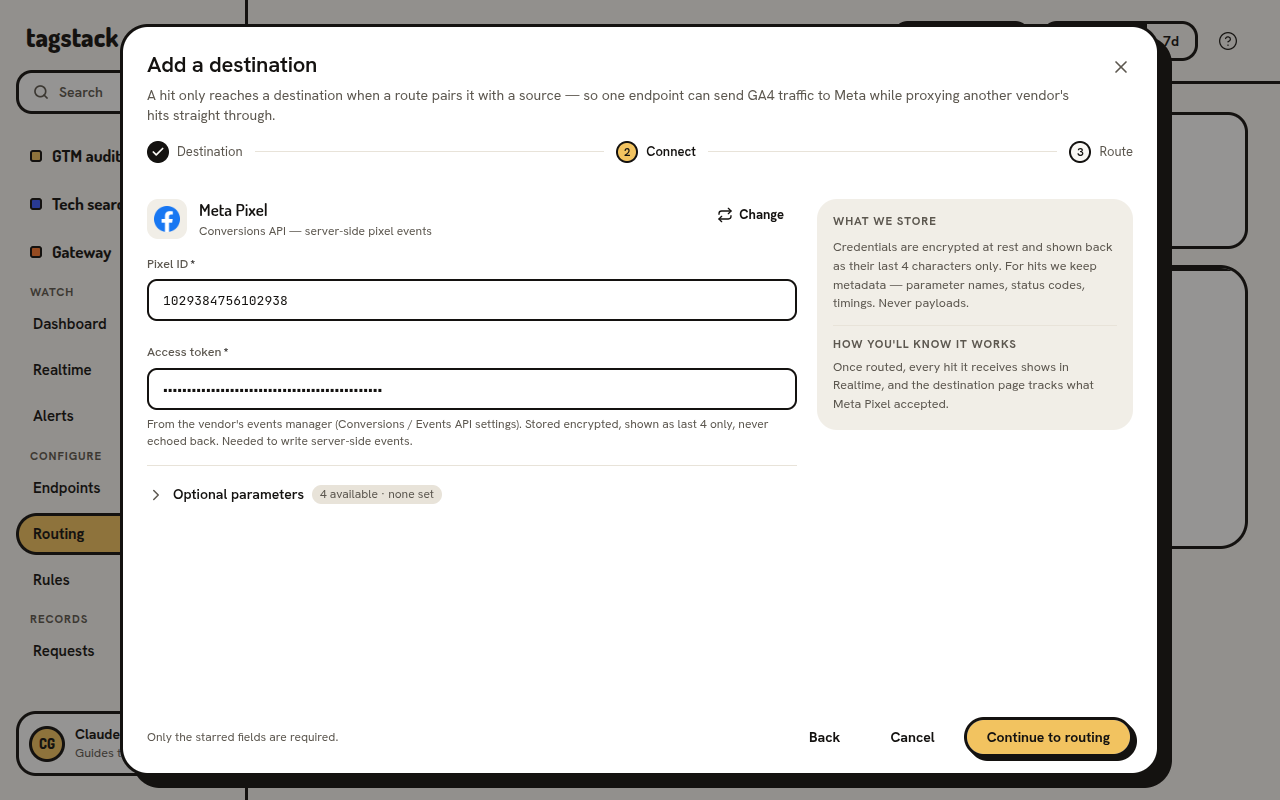
Paste your Pixel ID and access token
In Meta Events Manager, open your dataset, then Settings. Copy the Pixel ID (Dataset ID) at the top, and under Conversions API click Generate access token. Paste both here.
The token is encrypted as soon as you save, and the console only ever shows its last 4 characters.
- 4
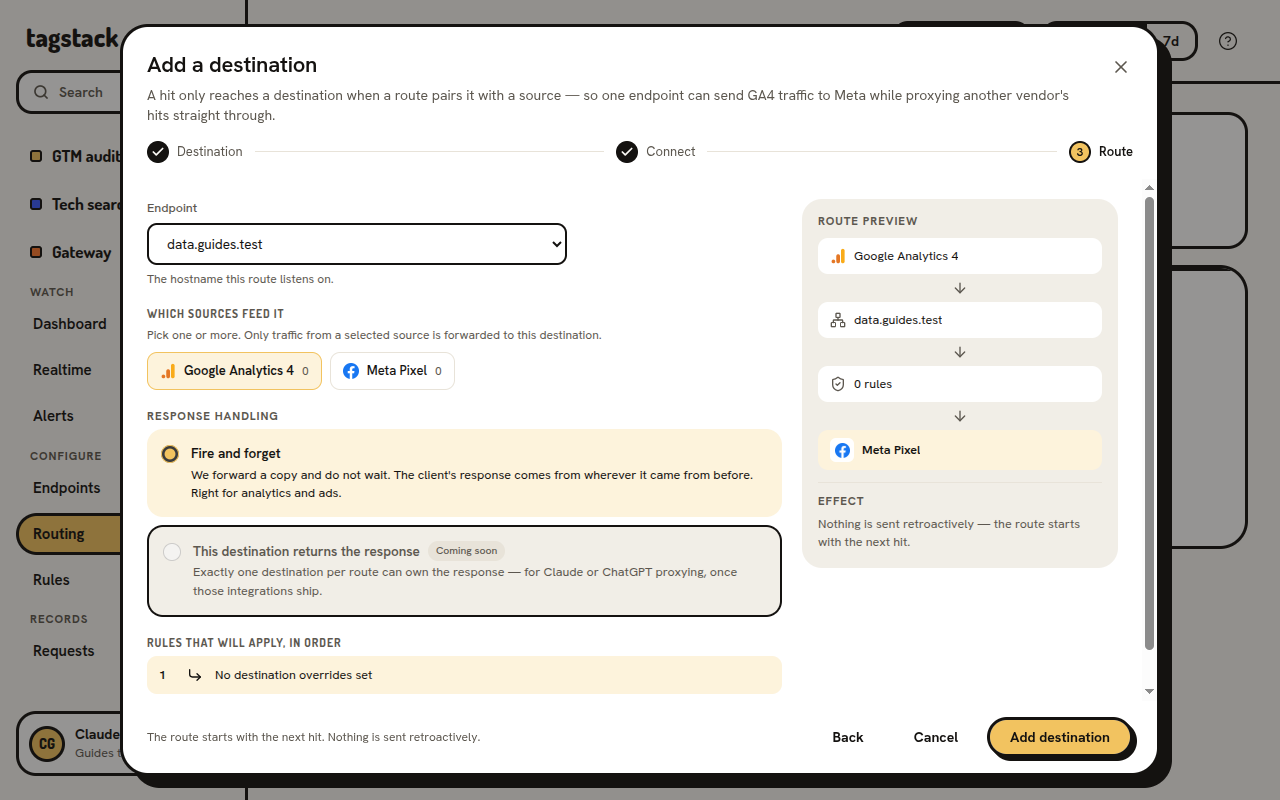
Route it from GA4
Pick your endpoint and keep Google Analytics 4 as the source. Every GA4 hit your site already sends is turned into a Meta event server-side. Your GA4 setup is not touched: the same hits keep going to Google Analytics.
- 5
Save it
Click Add destination. The route is live for the next hit. Watch it arrive in Realtime, then in the Overview of your dataset in Events Manager.
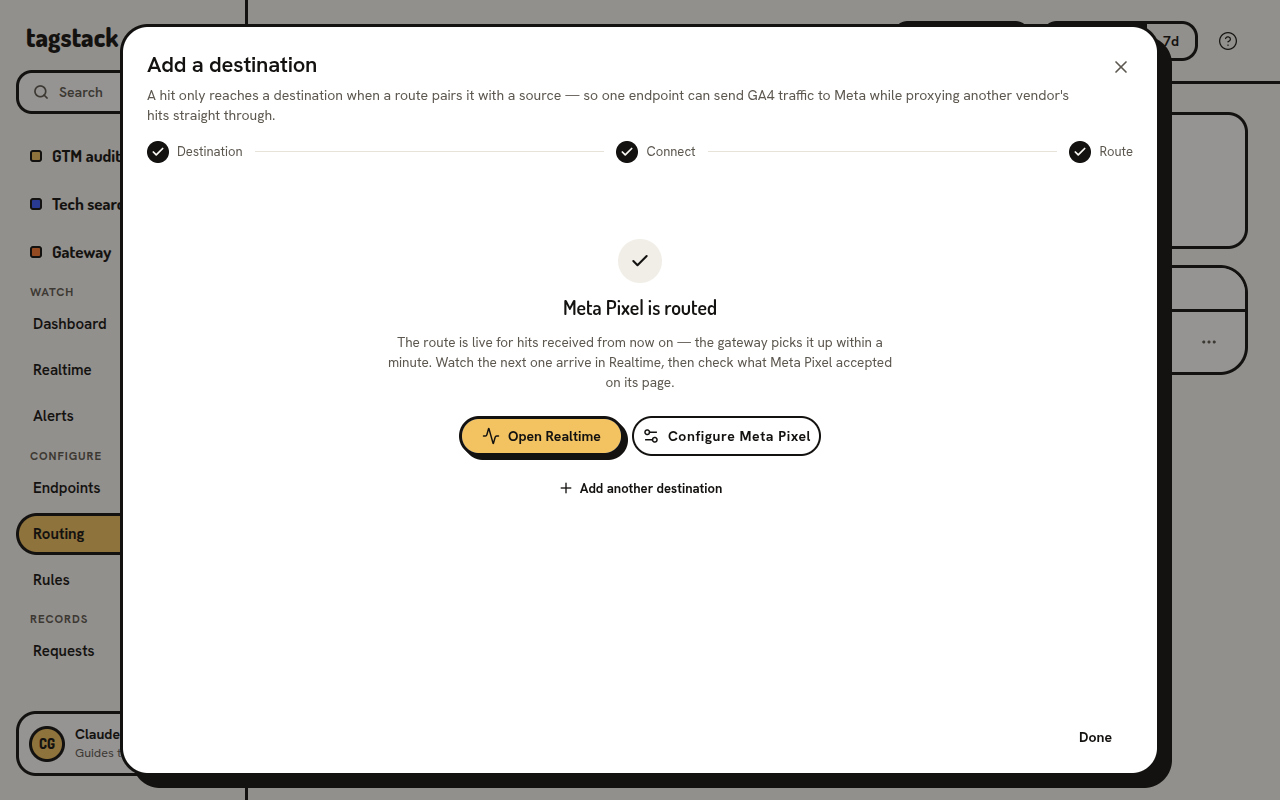
- 6
Know what Meta receives
GA4 recommended events become Meta standard events. Any other event name is sent as is, as a custom event.
GA4 event Meta event page_viewPageView view_itemViewContent add_to_cartAddToCart begin_checkoutInitiateCheckout add_payment_infoAddPaymentInfo purchasePurchase searchSearch generate_leadLead sign_upCompleteRegistration value,currency,transaction_idand your ecommerceitemscarry over, so purchases arrive with their revenue and products. For matching, the gateway sends the_fbpand_fbccookies (rebuilding_fbcfromfbclidwhen the cookie is missing), the visitor's IP and user agent, and a hashed first-party id. Email or phone sent as GA4 parameters (email,phone) are hashed with SHA-256 before they leave.Hits where ad consent was denied are never sent to Meta. If you also run the Meta pixel in the browser, add the same
event_idparameter to the GA4 event and to the pixel event: Meta then counts them once.